

How to Capture Adjustments and Allowances for Your Self Assessment
play_circle
Tax tips
6
January 2022

How to Capture Adjustments and Allowances for Your Self Assessment

No items found.

Work from Home Allowance

If you’re working from home, you may be able to claim expenses on a portion of the bills you pay for your home use. Below is a list of things you may be able to claim for:

  • Heating
  • Electricity
  • Council Tax
  • Mortgage interest or rent
  • Internet and telephone use

You’ll need to find a reasonable method of dividing your costs—for example, by the number of rooms you use for business, or the amount of time you spend working from home.

If you’re unsure how to calculate your WFH allowance, you can use our handy Work from Home calculator.


Vehicle mileage

 You may also be able to claim some of your vehicle usage with your expenses. The formula is simple:

  • For cars and goods vehicles, you can claim 45p per mile for the first 10,000 miles
  • After 10,000 miles, you can claim 25p per mile
  • If you use a motorcycle, then you can claim 24p per mile, regardless of the number of miles.

In short, if you’ve driven 12,000 miles:

  • 10,000 x 45p = £4,500
  • 2,000 x 25p = £500
  • The total amount you can claim is £5,000.

Cash expenses

This refers to any cash expenses that were not already recorded in your transaction feed as a ‘Manual adjustment’. If you’ve already recorded a manual adjustment and snapped a receipt, then you don’t need to add anything here. 

Other income

If you’ve got any other income that you haven’t accounted for (for example, from other accounts you don’t have linked to Coconut), list the total amount here. 


You can also add transactions from before you started using Coconut in your tax profile. Here’s a handy video on adding transactions.

It’s important to capture these, as they all contribute to your tax summary—which you’ll need for your Self Assessment Tax Return.

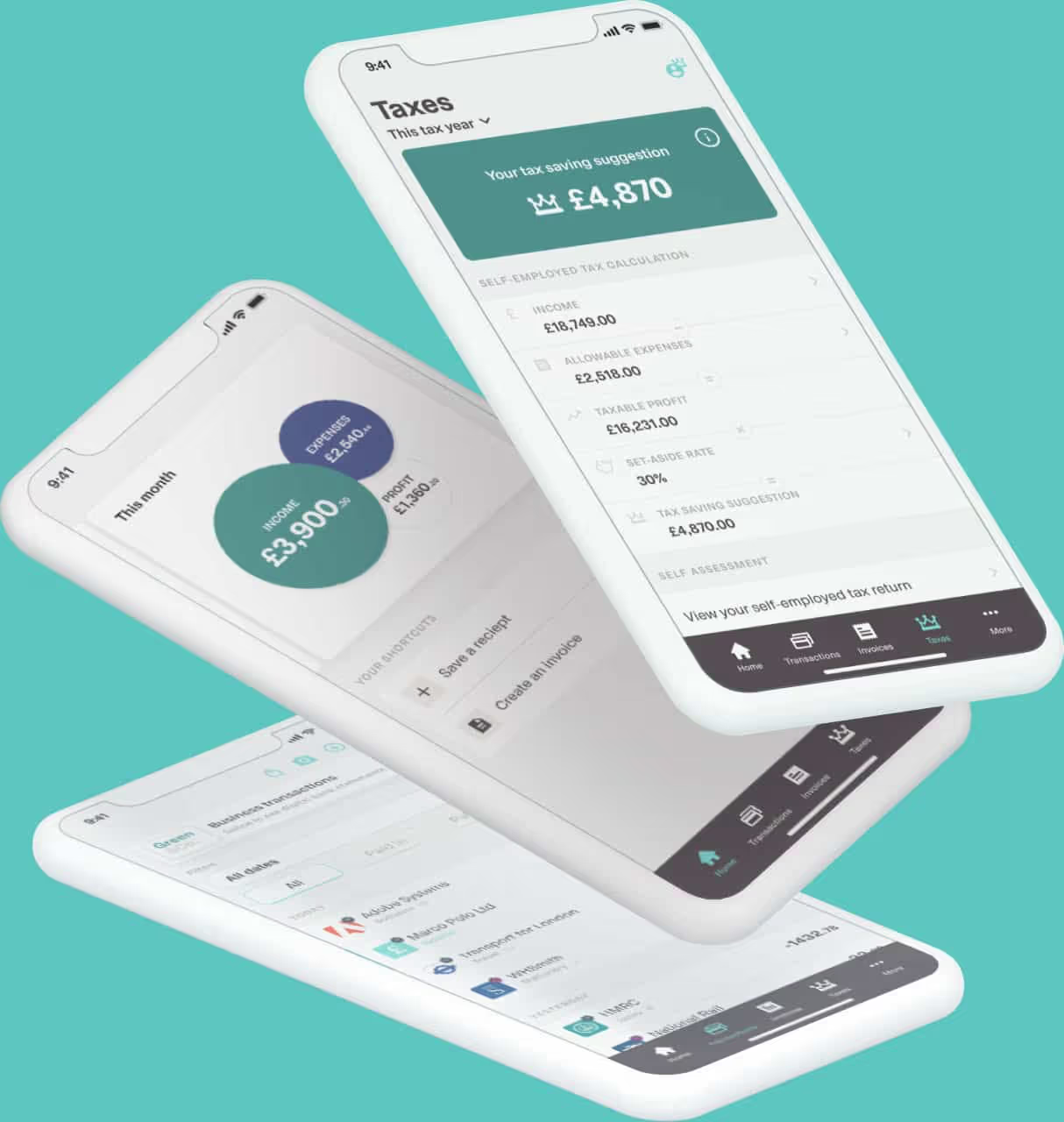
Here’s a quick breakdown below of what you’ll need to enter and what each field means:

Tags

No items found.

Keep reading

Making Tax Digital for Non-VAT Registered Businesses: Does It Still Apply?

Not VAT registered? Making Tax Digital may still apply. Find out how the VAT and Income Tax rules differ, and which requirements could affect your business.

arrow_right

How to Complete a Making Tax Digital Quarterly Update as a CIS Subcontractor

Learn how CIS tax returns work under Making Tax Digital, what to include in your quarterly updates, and how CIS deductions affect your final tax bill. Understand what contractors need to report and how to stay compliant with MTD.

arrow_right

How Long Can You Use Bridging Software for MTD?

Discover how MTD bridging software helps you submit digital tax updates using spreadsheets, how long you can rely on it, and whether it’s the right solution compared with full bookkeeping software. Learn more from Coconut.

arrow_right